Whitelisting Propexo's IP address(es) in Rent Manager
Last updated: September 21, 2026
Rent Manager requires your Propexo IP address(es) to be whitelisted before API requests will succeed. To find them:
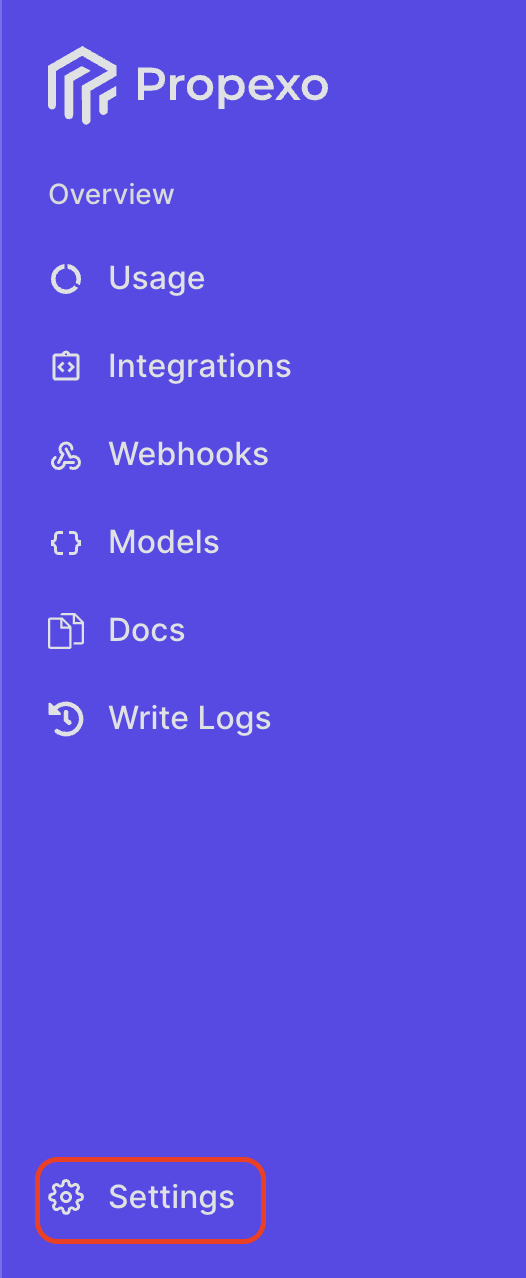
Head to the settings tab in your Propexo account.
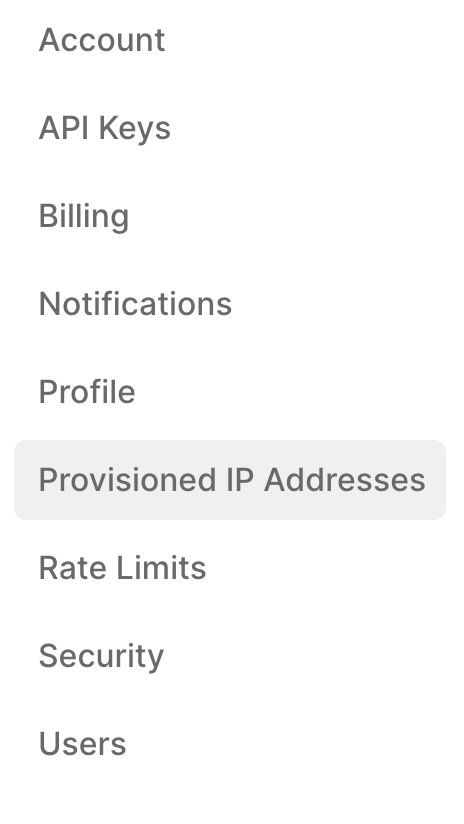
Click “Provisioned IP addresses”.
Click View IP Addresses to obtain the address(es).
Then, whitelist these in Rent Manager Partner Web Access:
Log into Rent Manager Partner Web Access.
If you haven’t yet created your product:
Click “Add New Product” and follow the steps outlined. Whitelisting your Propexo IP address(es) will be part of these steps.
If you have:
Click “Add” on the whitelisted IP addresses tile and enter your Propexo IP address(es).