Creating a RealPage Partner Exchange integration
Last updated: September 21, 2026
This guide walks you through creating an integration with the RealPage API. You will need access to the customer name, Realpage API URL, and an API key.
You can obtain your API credentials from RealPage by contacting their Support department or your account representative. The URL is provided by RealPage as part of API Package Details PDF. The format should look like the following:https://gateway.rpx.realpage.com/RPXGateway/partner/VendorX/VendorX.svc
Integrating with Propexo
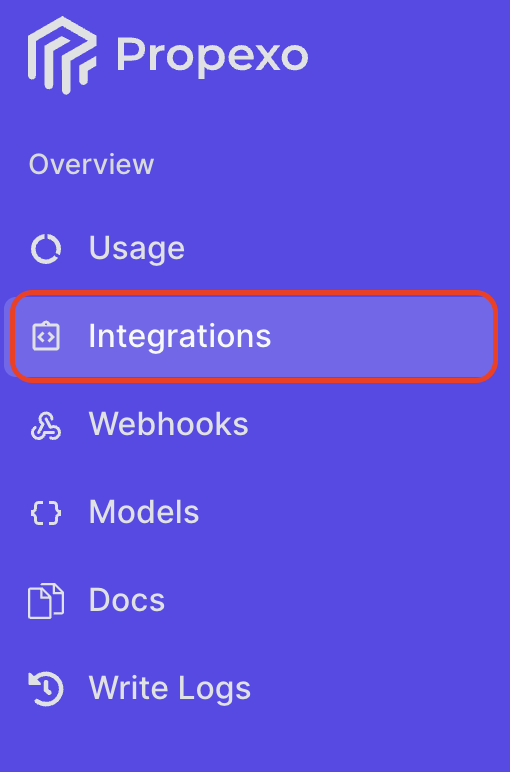
In Propexo, navigate to the integrations tab.
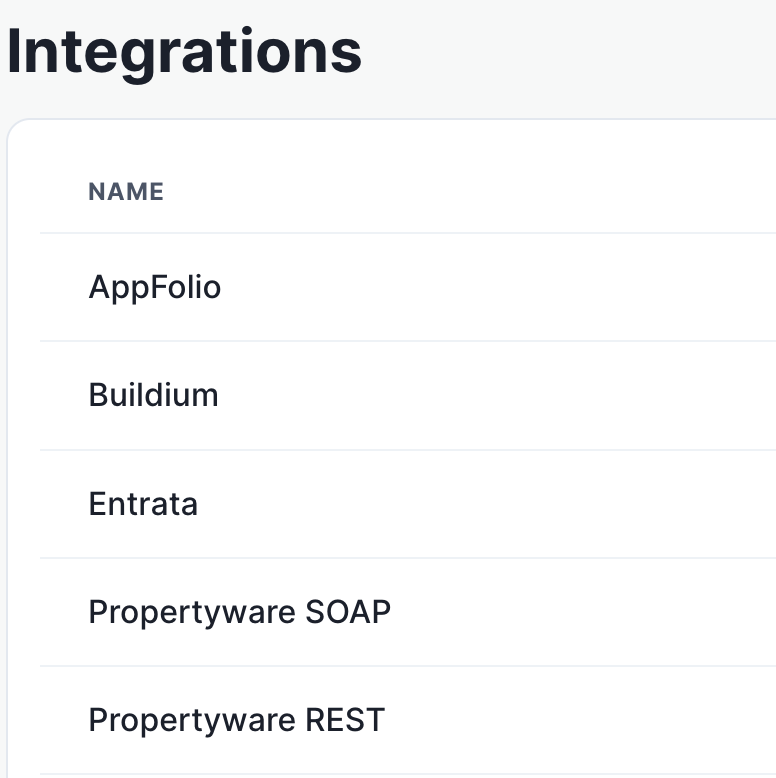
Then, select your relevant PMS from the list.
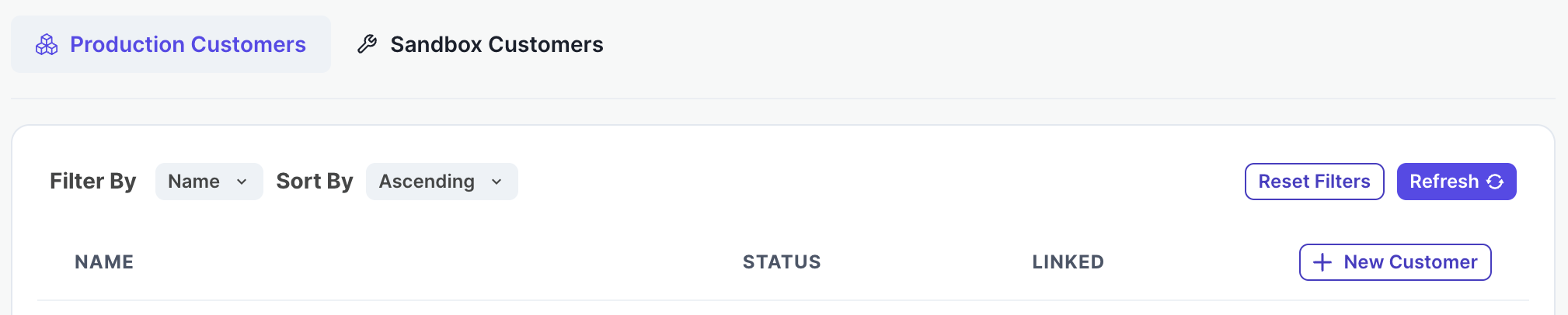
On the PMS page, select Production or Sandbox as necessary, then click New Customer.
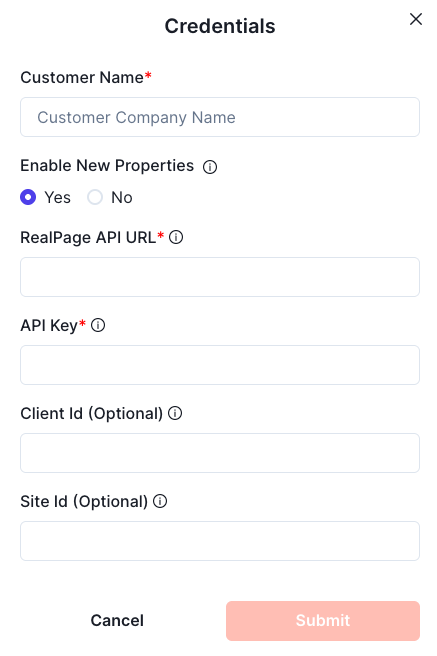
Enter your customer name, Realpage API URL, and API key, and submit.
Your integration should now be correctly set up. You can verify your connection by using the data access panel.