PMC Setup: Finding Your ResMan Credentials
Last updated: September 15, 2026
Your integration partner uses Propexo to connect to your ResMan account. Before that integration can go live, you need to find your integration partner ID, API key, and account ID. Here’s how:
⚠ The Account ID must be obtained from ResMan directly. You can find more information in the introduction of the ResMan API docs.
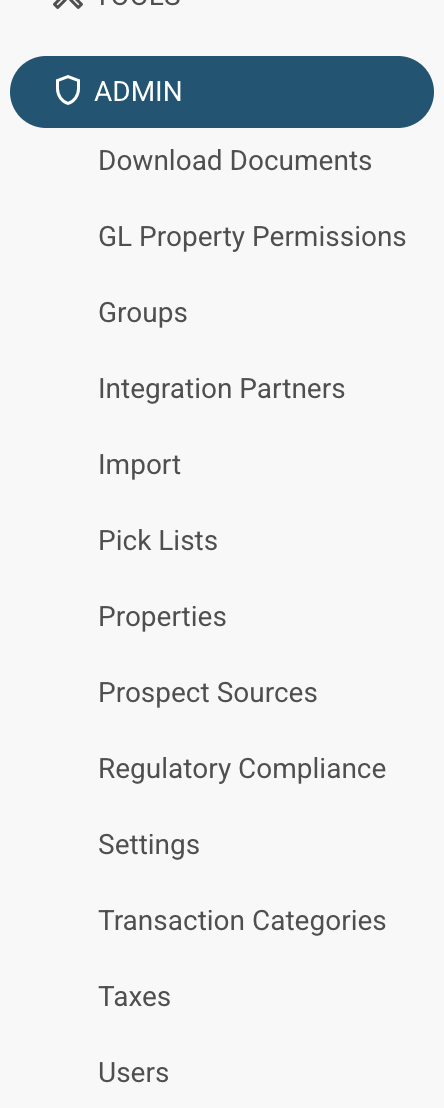
Log into ResMan, and on the left-hand side of the dashboard, scroll down to Admin, then select Users.
At the top of the users page, create a new user if necessary. Then, navigate to API Users.

The partner ID required will be the Name of the appropriate user, and the API key will be the Password (click to show).