PMC Setup: Generating Required Credentials for a Propertyware REST Integration
Last updated: September 15, 2026
Your integration partner uses Propexo to connect to your Propertyware account. Before that integration can go live, you need to generate a client ID, client secret, and system ID. Here’s how:
Navigate to Setup in the top-right corner.

In the context menu on the left-hand side, expand Personal Setup, the click on My Account.
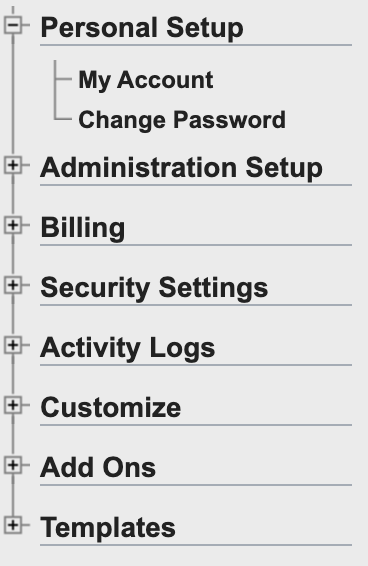
You can find your system ID in the following page under Propertyware Org ID. This will be needed later.

Next, in the left-hand menu, expand Administration Setup, then select API keys.
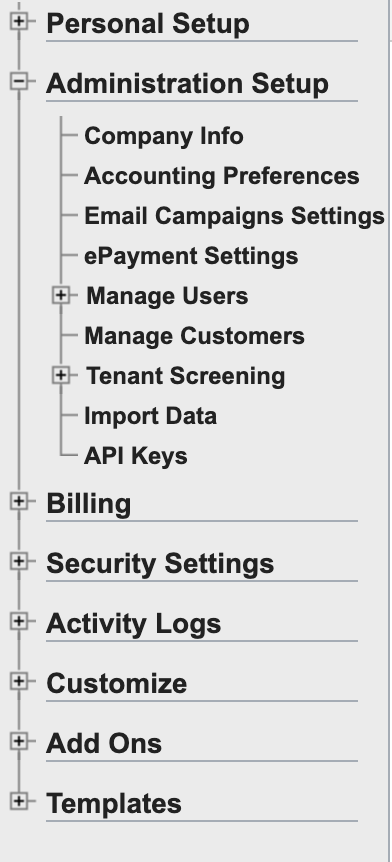
Click the Create API Key button at the top of the resulting page. You will then need to select which permissions are needed for your integration.
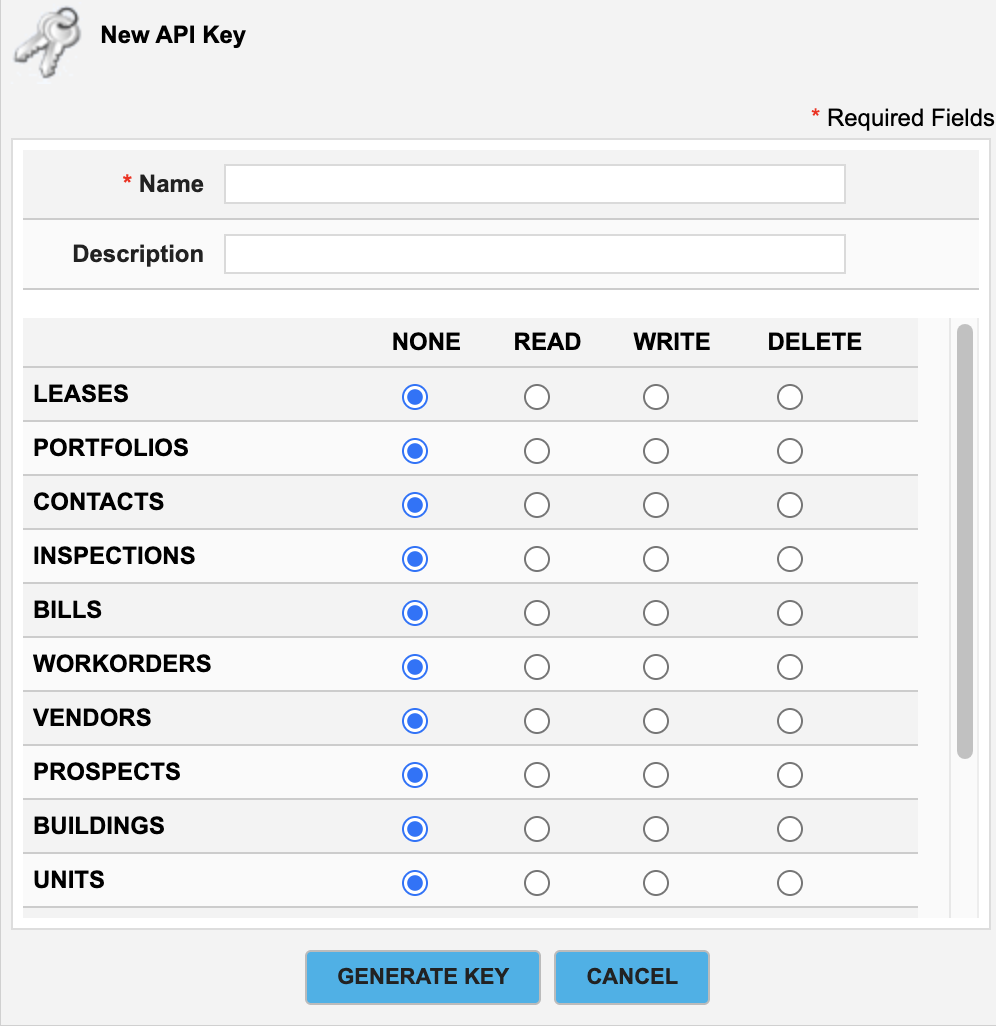
Click Generate Key, and make a note of your client ID and client secret.